See this week’s ads and the strategy behind them.
Every week, on your delivery day, a new batch of finished ads lands in your workspace. Open any ad to read its brief, copy its Meta text, and download every size. Connected results plan the batch after it.
 CreatStrat.
Planning from your results
Delivered Monday, Sep 21 · Week 39
This week
5 finished ads with their briefs and Meta copy.
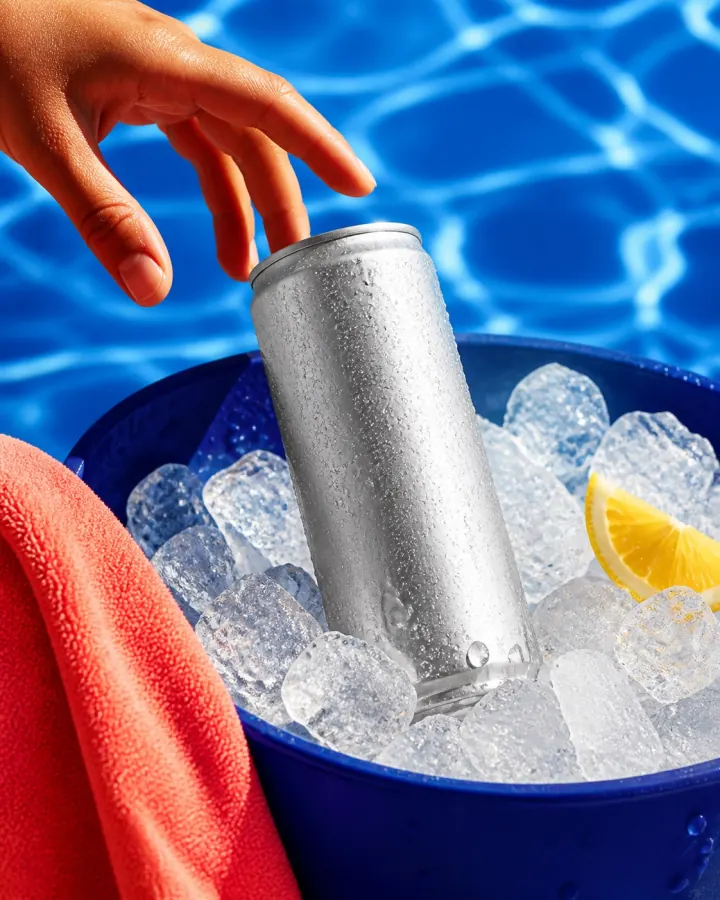 NORTHLINERead the label. That’s the pitch.
 packing my gym bagat 5:58am like
A finished batch every week, chosen for a reason.
Each batch arrives with the reasoning behind it: what customers keep saying, what the market is running, and what last week’s results showed. The next batch is already being planned.
The buying language is about where the drink sits in the day, so this week’s ads show the hour instead of the benefit.
NORTHLINEThe glass you actually finish.Most mixes✕ Clumps✕ Tastes like vitaminsNorthline✓ Dissolves fast✓ CitrusOne ad answers the question with the label itself.
NORTHLINERead the label. That’s the pitch.A new avatar this week: the drink that lives next to the laptop.
Planning from week 39 results, 186 reviews, and your Hydration Reset launch.
Steer week 40 Optional
For example: keep the kettle routine, test a gym-bag hook…
Send feedback
Sep 28 to Oct 5 · built into week 40
Every ad in the batch has a job
Build on a hook or angle that is already working.
Try a new angle on a customer you already reach.
Reach a customer the account hasn’t tested yet.
Put a proven message into a new format.
Open any ad. The brief is right beside it.
Preview the ad in the Meta feed, check the avatar, angle, and test it runs, then copy the primary text, headline, and CTA straight into Ads Manager.
N.0039AStaticIterate
Two-scoop routine
Two scoops, one glass, done before the kettle clicks off. Daily Hydration fits the part of your morning you already have.
Why this ad
People say they want the drink but not another step. Put the finished glass next to the kettle so the step is obviously already part of the morning.
A routine-led opening against last week’s benefit-led opening, with the same audience, offer, and placement.
Built from
Customer reviews · 186 analyzedWeek 38 resultsKettle routine signal
Meta copy
- Feed, square, and StoriesSee the ad as it runs in each placement before you download.
- One code, brief to Ads ManagerThe ad code stays with the ad, its brief, and its results.
- Share it as a PDFSave any brief for a teammate, a founder, or a creator.
Different products. Different reasons to buy.
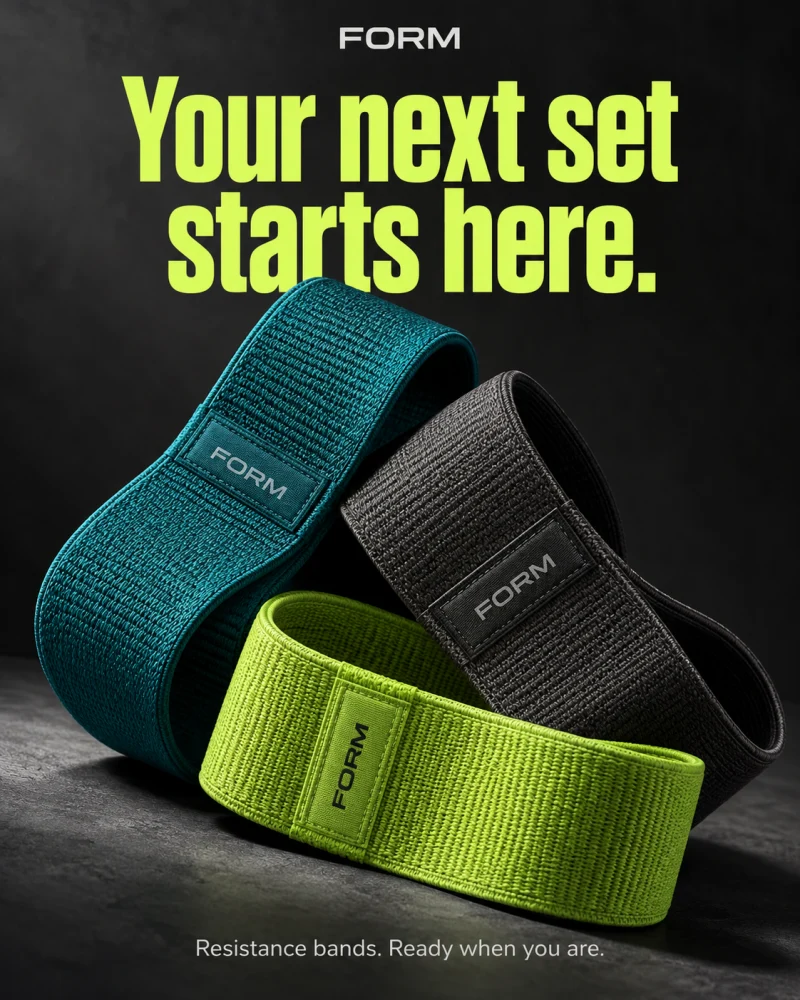
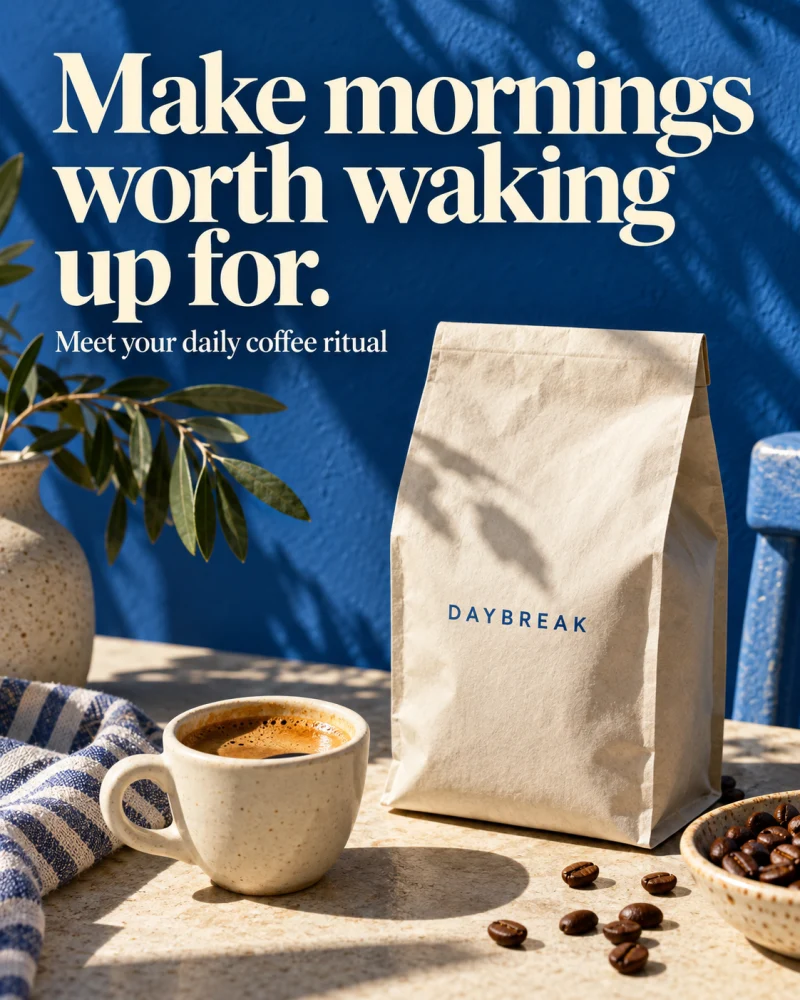
Five categories, five briefs. Pick one to see the finished ad, the customer avatar it speaks to, and the strategy behind the hook.
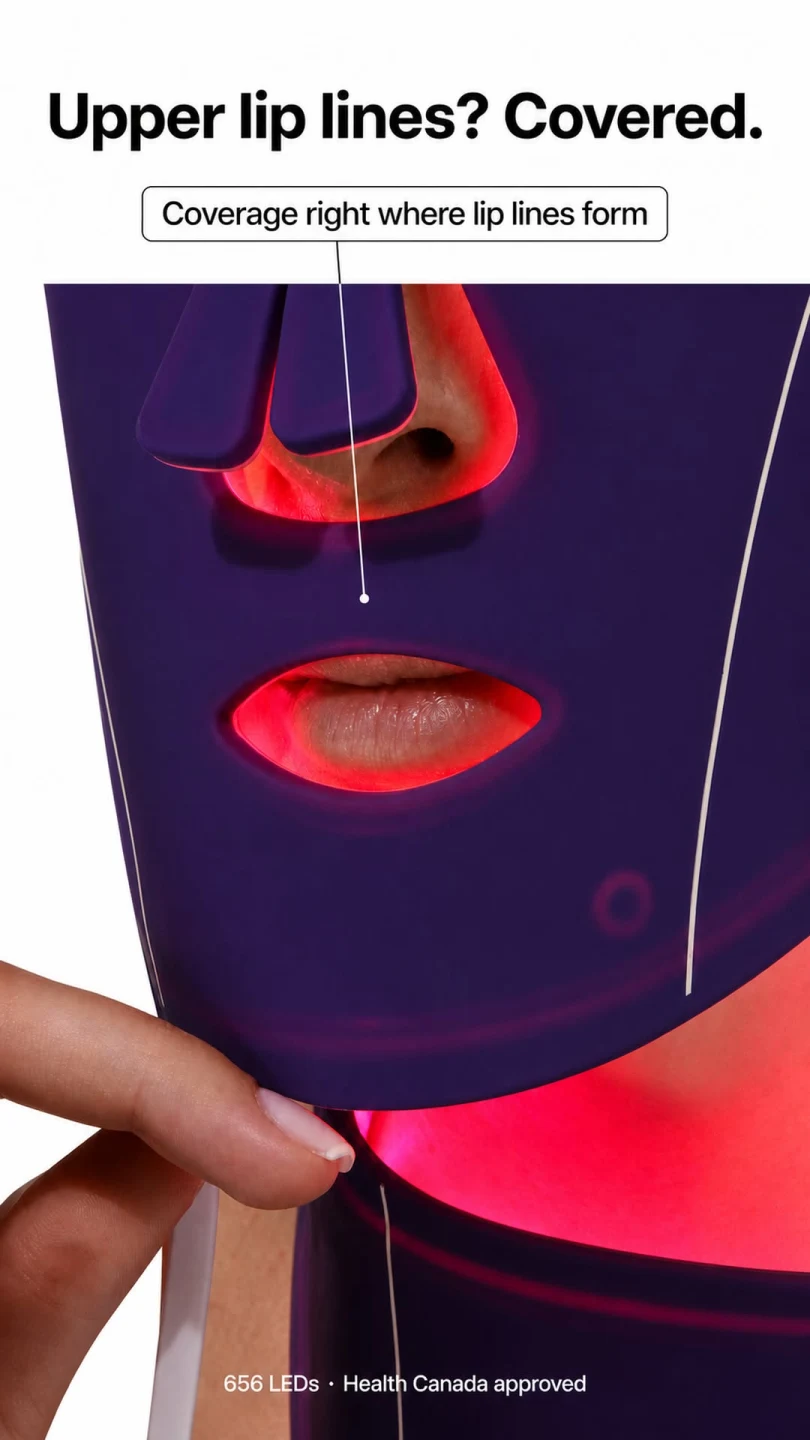
Luyors / Equinox Pro LED mask
Upper lip lines? Covered.
- Customer avatar
- The skincare buyer comparing LED masks for upper-lip coverage
- Awareness
- Solution aware
- Angle
- Make a specific coverage concern visible
Why this ad
A customer named upper-lip coverage as a deciding factor when choosing an LED mask. This concept turns that buying concern into the hook. The close crop lets shoppers check the detail that matters to them.
Visual direction
Use the existing Luyors product photograph. Keep the purple silicone panel above the mouth opening clearly visible and aim the callout at that panel. Preserve the product geometry and red glow. The coverage detail is the proof point.
Meta copy
- Primary text
- Looking closely at LED mask coverage? See how the Luyors Equinox Pro sits over the upper-lip area. Explore the fit and coverage up close.
- Headline
- Made to reach the upper lip
- Description
- Explore the Equinox Pro LED mask.
- CTA
- Learn more
Where the strategy goes next
Compare this coverage-led hook with a broader product-feature hook for the same solution-aware audience. Keep the offer and placement consistent, then use connected performance to guide the next batch.
Optional steering example: Keep the coverage-focused buyer. Test a question-led opening against the direct coverage statement, without changing the product image or offer.
CreatStrat plans the next batch automatically. Add steering only when you have extra context to share.
Original Luyors creative. Brief summary and Meta copy adapted for this showcase.
Every ad in your plan arrives with a brief like this one. Choose your ad mix →
Every ad you’ve received, and why you got it.
Delivered batches stay in one library. Filter by format, avatar, test, or week, then download a whole batch or a single ad.
- Search by ad code, hook, or avatar
- See which avatars and tests you’ve already covered
- Go back to past strategy without digging through docs
Ads & briefs
Every ad CreatStrat has delivered, with its brief and Meta copy.
NORTHLINERead the label. That’s the pitch.packing my gym bagat 5:58am likeNORTHLINECold by noon. Gone by one. my whole morningtakes two minutes now
 every orderpacked by hand
Results plan the next batch. You can steer it.
CreatStrat plans each batch from research, your calendar, and connected Meta results. Steering is optional. Add a note when you know something the data doesn’t, like a launch, a constraint, or an idea worth testing.
Ahead of your account average
Ahead of your account average
Ahead of your account average
Showing the morning routine beats listing ingredients.
Routine-led openings held attention longer than ingredient-led ones in three straight tests with the same audience and offer.
Next moveIterate the routine hook twice in week 40: N.0040A, N.0040B
Angles testedvs. account average
Kettle routineAhead
Desk-side glassAhead
Label close-upEven
Ingredient listBehind
A gap in what the plan has covered so far, not a finding from results.
Performance comparisons appear once your Meta account is connected and has enough results to compare. Until then, research and your calendar plan each batch.

CreatStrat has basically become our Monday morning creative meeting. We review what’s working, look at the new opportunities it found, choose what we want to test, and the next batch of creative gets produced. I can’t imagine going back to planning everything from scratch every week.
Calendar
Sep 28 to Nov 1
Plan creative around what’s coming.
Add launches, promotions, restocks, and seasonal moments. The batch planned before each date carries the ads that support it, with the right product, offer, and message.
- Upcoming batches and campaign dates in one view
- Give each event its offer, audience, and limits
- Change a date and the next plan follows it
Your photos and footage, made into finished ads.
Upload product photos, lifestyle shots, and clips once. CreatStrat describes every file, checks that it’s ready to use, and picks the right shots for each brief, week after week.
Assets
The photos and footage CreatStrat builds your ads from. Private to Northline Labs.
CreatStrat won’t use them in ads until you confirm you have the rights.
Clear product photosGood
5
Front, angle, and label close-up are covered.
Your product in useAdd more
4
More clips give video mashups more to work with.
Brand-wideGood
3
NL
Logo, shared background, and brand colors.
PhotoSilver can in an ice bucket by a pool, lemon slice, bright daylight.
Daily Hydration · 4.2 MB
Video 0:24Woman at a bathroom sink in morning light. Calm routine.
Daily Hydration · 48 MB
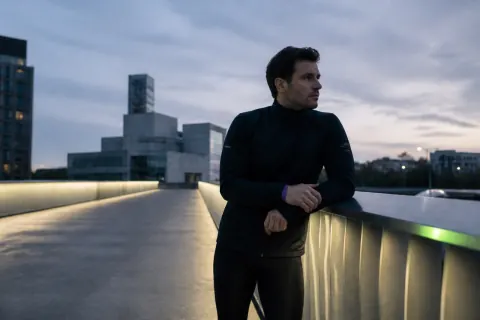
Video 0:41Runner pausing on a rooftop at dawn. City skyline behind.
Daily Hydration · 86 MB
 Photo
PhotoCreator photo, hiker in a rain jacket on a ridge.
Daily Hydration · 5.6 MB
Ready to usemorning-mirror.mov
A woman at a bathroom sink in soft morning light, reaching for a small bottle. Calm, unhurried, 0:24. Good for routine hooks.
Tags
LifestyleMorningRoutine
✓I have permission to use and edit this file in advertising, including AI processing.
Statics and carousels
Built from your product photos, logo, and brand colors, then exported in 1:1, 4:5, and 9:16.
Video mashups
New edits cut from footage you already own, with the captions and hook from the brief.
AI video
New scenes generated around your product, with your photos as the reference.
Only files marked ready to use go into ads. A file that needs usage permission waits until you confirm you have the rights.
One workspace for every product you sell.
Add your other products and brands to the same workspace. Each brand keeps its own assets, calendar, Meta connection, and learning, and you switch between them from the sidebar. Plans with more than one product are quoted.
- A weekly batch for each product
- Separate memory for every brand
- One team and one sign-in
CreatStrat.

We were spending thousands every month between strategy, designers and editors just to keep up with creative testing. CreatStrat consolidated a huge part of that workflow. We still have our internal team, but they spend far less time brainstorming and briefing and much more time reviewing and launching.
Your product. Your first ad. Free.
See what CreatStrat can make for your brand. Get a finished static ad, matching Meta copy, and the thinking behind the concept, emailed within 24 hours.
01finished static ad
01brief behind the concept
24hto your inbox

Prefer a walkthrough? Book a 20-minute demo →